

Table of Contents
In today’s digital landscape, architects specializing in niche design areas such as sustainable eco-homes, modernist commercial spaces, or heritage restorations face intense competition for visibility. Traditional SEO techniques often fall short when it comes to highlighting these unique expertise areas. Enter Schema Markup—a powerful structured data tool that enhances how search engines interpret and display your website content. By implementing Schema Markup strategically, you can improve rich snippets, knowledge panels, and local search results, ultimately boosting rankings for those hard-to-rank niche terms. This guide explores how architectural firms can leverage Schema Markup to dominate search results tailored to their specialties.
Understanding Schema Markup is the first step toward transforming your site’s performance. Developed by Schema.org—a collaborative effort between Google, Bing, Yahoo, and Yandex—it provides a standardized vocabulary for adding context to your HTML. For architects, this means telling search engines not just what your pages say, but what they represent: services, projects, reviews, and locations with precise semantic meaning.
What is Schema Markup and Why Use It
Schema Markup uses microdata, RDFa, or JSON-LD formats embedded in your site’s code to describe content elements. JSON-LD is the recommended method due to its ease of implementation and non-intrusive nature. For niche design specialties, Schema helps search engines understand that your content pertains to specific subtypes, like “ArchitecturalStyle: Brutalist” or “ProjectType: Passive House,” making your pages more relevant for targeted queries.
Moreover, when implemented correctly, Schema enables rich results such as carousels of projects, star ratings from client reviews, or event listings for design webinars. These features increase click-through rates by up to 30%, according to Google’s own studies, giving niche architects an edge over generic competitors.
Benefits for Architects in Niche Markets
Architects focusing on specialties like biophilic design or adaptive reuse often struggle with diluted search traffic from broad terms like “architect Melbourne.” Schema Markup sharpens this focus. It enhances local SEO for geo-specific niches, such as “heritage architect in Fitzroy,” by powering Google’s LocalBusiness schema with detailed service offerings. Transitioning from generic listings to featured snippets positions your firm as the authority.
Furthermore, it future-proofs your site against evolving algorithms. As voice search grows—think Siri or Google Assistant asking “best sustainable architect near me”—structured data ensures accurate responses, driving qualified leads directly from assistants.
Identifying Schema Types for Your Niche Specialties
Before diving into code, pinpoint Schema types aligned with your expertise. Start with Organization and LocalBusiness for firm-wide info, then layer ProfessionalService for specialties. For projects, use CreativeWork or specific subtypes like ArchitecturalPlan.
Here’s a table outlining key Schema types for architectural niches, including examples and potential rich results:
| Schema Type | Niche Example | Rich Result Potential | Implementation Benefit |
|---|---|---|---|
| LocalBusiness | Sustainable Architect | Map pins, hours | Local pack dominance |
| ProfessionalService | Heritage Restoration | Service listings | Targeted query matches |
| CreativeWork > ImageObject | Biophilic Project Gallery | Image carousels | Higher visual engagement |
| Review & AggregateRating | Modernist Commercial Builds | Star ratings | Trust signals boosting CTR |
| Event | Design Workshop | Event snippets | Lead generation events |
This table serves as a blueprint; customize based on your portfolio. Next, we’ll outline the practical steps to implement these.
Step-by-Step Guide to Implementing Schema Markup
Implementing Schema Markup requires precision, but the process is straightforward. Begin with Google’s Structured Data Markup Helper or Schema.org’s generator for initial code snippets. Always validate with Google’s Rich Results Test tool.
Follow these numbered steps to integrate Schema effectively:
- Audit Your Site: Identify pages for niches, like service pages or case studies, using tools like Screaming Frog.
- Choose JSON-LD: Add script tags in the or ; it’s machine-readable and won’t break design.
- Nest Properties: For a passive house specialist, use “serviceType”: “Passive House Design” under ProfessionalService.
- Incorporate Reviews: Pull from Google My Business or testimonials, adding “@type”: “Review” with ratingValue.
- Test and Deploy: Use Rich Results Test, then monitor via Google Search Console’s Enhancements report.
- Update Regularly: Refresh for new projects to maintain freshness signals.
These steps ensure seamless integration. For instance, on a Melbourne-based firm’s sustainable architecture page, the LocalBusiness schema might include “address”: {“@type”: “PostalAddress”, “addressLocality”: “Melbourne”}, paired with areaServed for suburbs like South Yarra.
Common Mistakes and Best Practices
Avoid pitfalls like duplicate schemas or inaccurate data, which can lead to manual actions from Google. Instead, use Google’s guidelines: keep markup accurate, comprehensive yet focused. Pair Schema with optimized content—high-quality images of niche projects with alt text matching schema properties amplify results.
For Melbourne architects, emphasize Australian-specific elements like “priceCurrency”: “AUD” in offers. Tools like Merkle’s Schema App or PKRank’s custom services streamline this, ensuring compliance and maximum impact.
As PKRank, Melbourne’s premier digital marketing firm for architects, we’ve helped firms like yours skyrocket rankings for niches such as “coastal residential design” through Schema-optimized strategies. Transitioning to advanced tactics, consider how Schema integrates with voice and visual search for holistic growth.
Measuring Success and Iterating
Track progress via Google Search Console for impressions on rich results and Analytics for organic traffic spikes. Aim for metrics like a 20% CTR uplift within 3-6 months. Iterate by expanding to FAQPage schema for common niche queries, fostering deeper engagement.
In summary, Schema Markup is a game-changer for architects targeting niche design specialties. By providing search engines with rich, contextual data, you not only improve rankings but also attract high-intent clients ready to commission your unique expertise. Start small, validate rigorously, and watch your Melbourne practice thrive in competitive SERPs. Partnering with experts like PKRank ensures flawless execution, propelling your firm to the top.
Empower Your Architectural Firm with PKRank’s Tailored Digital Solutions
Hey there, design visionary! Dreaming up stunning structures in Australia’s sun-soaked landscapes can be pure magic, but getting your blueprints in front of the right clients? That’s where the real blueprint comes in.
At PKRank, we’re all about keeping digital marketing breezy, approachable, and incredibly impactful for architects like you—whether you’re sketching sustainable homes in Sydney’s harbor views, innovating high-rises in Melbourne’s laneway charm, or crafting coastal gems in Brisbane’s riverside vibe.
Imagine a polished, immersive website built from the ground up for you, featuring interactive portfolios of your residential wonders, commercial masterpieces, or eco-friendly designs with seamless galleries and 3D viewer integrations. We’ll ensure it’s mobile-responsive, so builders and homeowners from Perth’s urban sprawl to Adelaide’s heritage sites can explore your vision effortlessly on the go.
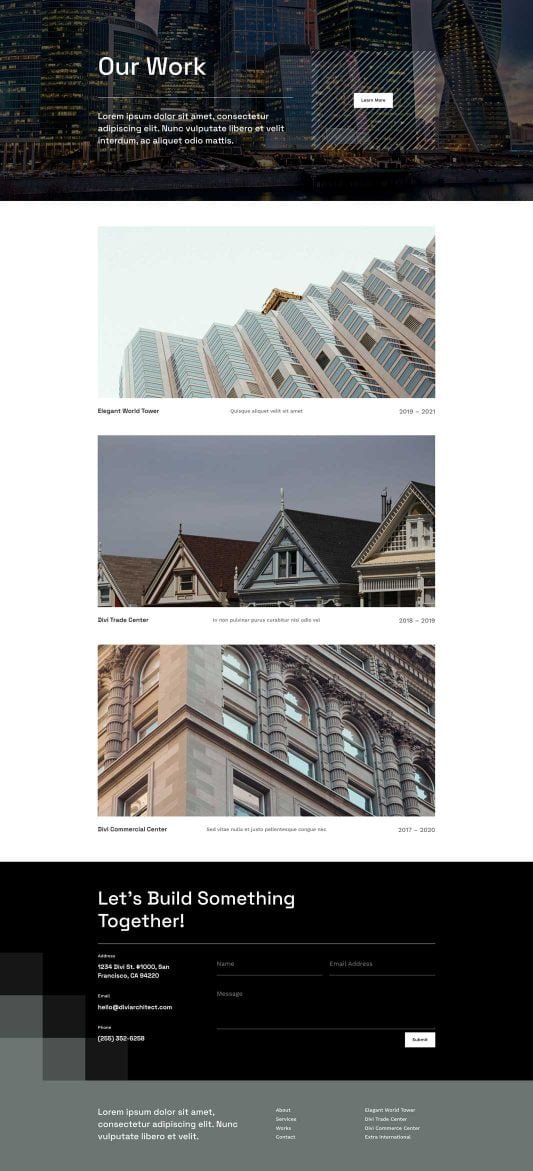
How to Use Schema Markup to Rank for Niche Design Specialties?
Our SEO pros will elevate your Google presence, landing you top spots for queries like “sustainable architect Melbourne” or “renovation specialist Perth.” No more fading into the background—unlock organic traffic from Canberra’s modernist buffs or the Gold Coast’s beachfront dreamers!
We’ll jazz up your social media with a creative flair on Instagram and Facebook: eye-catching renders, behind-the-scenes builds, and tips on green architecture that ignite shares and connections. It’s your chance to shine as the go-to creative force in spots like Hobart’s historic enclaves or Darwin’s tropical outposts.
Need swift project leads? Our Google Ads and Facebook Ads are architect-tuned, pinpointing Aussie developers and homeowners with clever, cost-effective campaigns that boost consultations and trim the chase—ideal for architecture hotspots in Sydney and Melbourne.
We’re your upbeat collaborators in elevation, focused on results that let you pour passion into every line and curve. Keen for a laid-back brainstorm over virtual flat whites? Head to our website—let’s blueprint your firm’s stellar rise together!


