

Table of Contents
How to Ensure My Online Booking System Is Flawless on Mobile
In today’s fast-paced world, auto repair shop owners in Melbourne and beyond know that convenience drives customer loyalty. Imagine a busy driver noticing a warning light on the dashboard—they pull over, grab their phone, and need to book a service slot instantly. If your online booking system falters on mobile, you risk losing that customer to a competitor. As PKRank, Melbourne’s premier digital marketing firm specializing in local businesses, we’ve seen firsthand how a seamless mobile experience can boost bookings by up to 40% for auto repair shops. This article guides you through essential steps to make your system flawless, ensuring every tap leads to a confirmed appointment.
Why Mobile Optimization Matters for Auto Repair Bookings
Over 60% of searches for auto services now occur on mobile devices, according to recent industry data. Customers expect your booking system to work effortlessly on smartphones, just like popular apps such as Uber or OpenTable. A flawed mobile interface can lead to high bounce rates, abandoned carts, and negative reviews. For auto repair businesses, where urgency is key—think brake repairs or battery replacements—this translates to lost revenue. By prioritizing mobile perfection, you not only retain customers but also improve your Google rankings, as mobile-friendliness is a core search factor. Transitioning to a flawless system starts with understanding user pain points and technical benchmarks.
Step by Step Testing Your Mobile Booking System
To achieve flawlessness, systematic testing is crucial. Begin by emulating real-world usage across various devices. Use tools like Google’s Mobile-Friendly Test or BrowserStack to simulate different screen sizes and operating systems. Check load times—aim for under three seconds, as slower speeds cause 53% of mobile users to abandon sites. Next, verify form inputs: ensure dropdowns for service types (e.g., oil change, wheel alignment) are touch-friendly with large buttons. Test the entire flow from selecting a time slot to payment confirmation, interrupting with simulated calls or low battery to mimic distractions drivers face.
Here’s a numbered list of essential testing steps:
- Inspect responsive design using Chrome DevTools’ device toolbar; toggle between iPhone, Android, and tablet views.
- Validate touch targets—at least 48×48 pixels for buttons to prevent mis-taps on greasy fingers post-drive.
- Test offline functionality with service workers for Progressive Web App (PWA) features, allowing users to book later.
- Simulate network throttles (3G speeds) to ensure calendars load without lag during peak hours.
- Review accessibility with screen readers, ensuring voice commands work for hands-free booking.
Following these steps reveals hidden issues early, paving the way for targeted fixes.
Common Mobile Issues and Solutions
Even robust systems encounter mobile hurdles specific to auto repair contexts, like cluttered calendars during rush hours or payment glitches on public Wi-Fi. Addressing these proactively prevents frustration. Below is a table outlining prevalent pitfalls, their impacts, and proven solutions tailored for your industry.
| Issue | Impact on Auto Repair Customers | Solution |
|---|---|---|
| Slow loading calendars | Users leave before seeing available slots for urgent tire services | Implement lazy loading and compress images of shop locations |
| Tiny buttons or forms | Mis-taps frustrate drivers booking alignments on bumpy roads | Use CSS media queries for enlarged touch elements on screens under 5 inches |
| Payment failures | Lost bookings for quick oil changes due to insecure HTTPS | Integrate Stripe or PayPal with mobile-optimized checkouts and tokenization |
| Poor visibility in sunlight | Hard-to-read confirmation screens outdoors | Apply high-contrast themes and auto-brightness adjustments via CSS |
This table serves as a quick reference—implement these solutions to eliminate barriers, enhancing conversion rates seamlessly.
Leveraging Tools and Integrations for Peak Performance
Beyond basic tests, integrate advanced tools to maintain flawlessness. Platforms like Calendly or Acuity Scheduling offer native mobile optimization, syncing effortlessly with your auto shop’s Google Calendar for real-time availability of bays and technicians. For custom WordPress sites, plugins such as Amelia Booking excel with AMP compatibility, speeding up Google search results. Monitor performance with Google PageSpeed Insights and set up real-user monitoring via Hotjar to capture heatmaps of booking drop-offs. As PKRank, we recommend combining these with SEO tweaks, like schema markup for booking actions, to attract more local Melbourne searches for “auto repair near me.” Regular A/B testing of mobile layouts ensures ongoing refinement.
Security and User Trust Enhancements
Mobile users are wary of data entry, especially for services involving vehicle details or credit cards. Bolster trust with SSL certificates, visible privacy badges, and GDPR-compliant forms. For auto repair shops, add features like VIN auto-fill from photos or one-tap confirmations via SMS. These not only flawless the experience but also reduce no-shows, as verified bookings build reliability.
In conclusion, perfecting your mobile booking system positions your auto repair business as the go-to choice for tech-savvy Melburnians. By following these strategies—from rigorous testing and issue resolution to tool integrations—you’ll see surges in bookings and customer satisfaction. PKRank, your local digital marketing partner, stands ready to audit and elevate your setup. Contact us today to transform mobile frustrations into loyal, repeat customers driving straight to your door.
Empower Your Auto Repair Shop with PKRank’s Tailored Digital Solutions
Hey there, wrench wizard! Keeping Aussie wheels turning in our vast, road-loving country is no small feat—from dusty outback drives to city commutes—but what if your shop could rev up clients without the extra grease?
At PKRank, we’re geared toward making digital marketing smooth, welcoming, and turbo-charged for auto repair pros like you, whether you’re fixing fleets in Sydney’s traffic jams, tuning classics in Melbourne’s car culture, or servicing SUVs in Brisbane’s suburban sprawl.
Visualize a robust, easy-to-use website revved up just for you, spotlighting your engine rebuilds, brake overhauls, or diagnostic wizardry with photo galleries, service booking forms, and quick-quote calculators. We’ll make it mobile-optimized, so drivers from Perth’s highway haulers to Adelaide’s vintage vehicle fans can book repairs on the fly, no matter where they are.
Auto Repair Shop Website Showcase
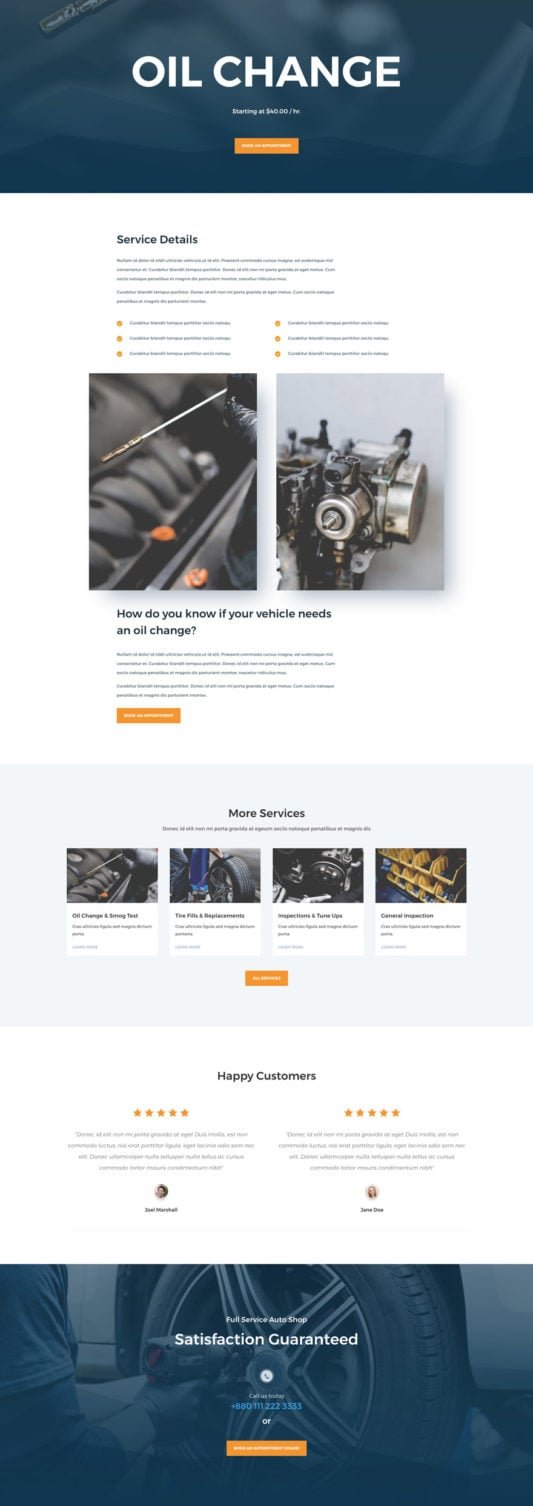
How to Ensure My Online Booking System Is Flawless on Mobile?
Our SEO crew will pump up your Google rank, putting you front and center for searches like “auto mechanic Melbourne” or “tyre repair Perth.” Ditch the back-page blues and attract steady organic roll-ins from Canberra’s commuter crews or the Gold Coast’s beach buggy brigade!
We’ll steer your social media with a matesy vibe on Facebook and Instagram: fun before-and-after pics, quick DIY tips, and customer shoutouts that get likes and shares rolling. It’s your ticket to becoming the trusted pit stop in neighborhoods from Hobart’s hilly hauls to Darwin’s rugged rides.
For that instant tow-in boost? Our Google Ads and Facebook Ads are finely tuned, targeting breakdown-prone Aussies with smart, spend-savvy setups that crank up calls and curb the downtime—spot-on for busy repair hubs in Sydney and Melbourne.
We’re your reliable pit crew for growth, all about results that keep you under the hood doing what you do best. Up for a no-pressure chat over virtual espressos? Pop over to our website—let’s get your shop shifting into high gear together!


